Uzbekistan Offline Cameras

64 offline cameras across 4 states/provinces
About offline cameras in Uzbekistan

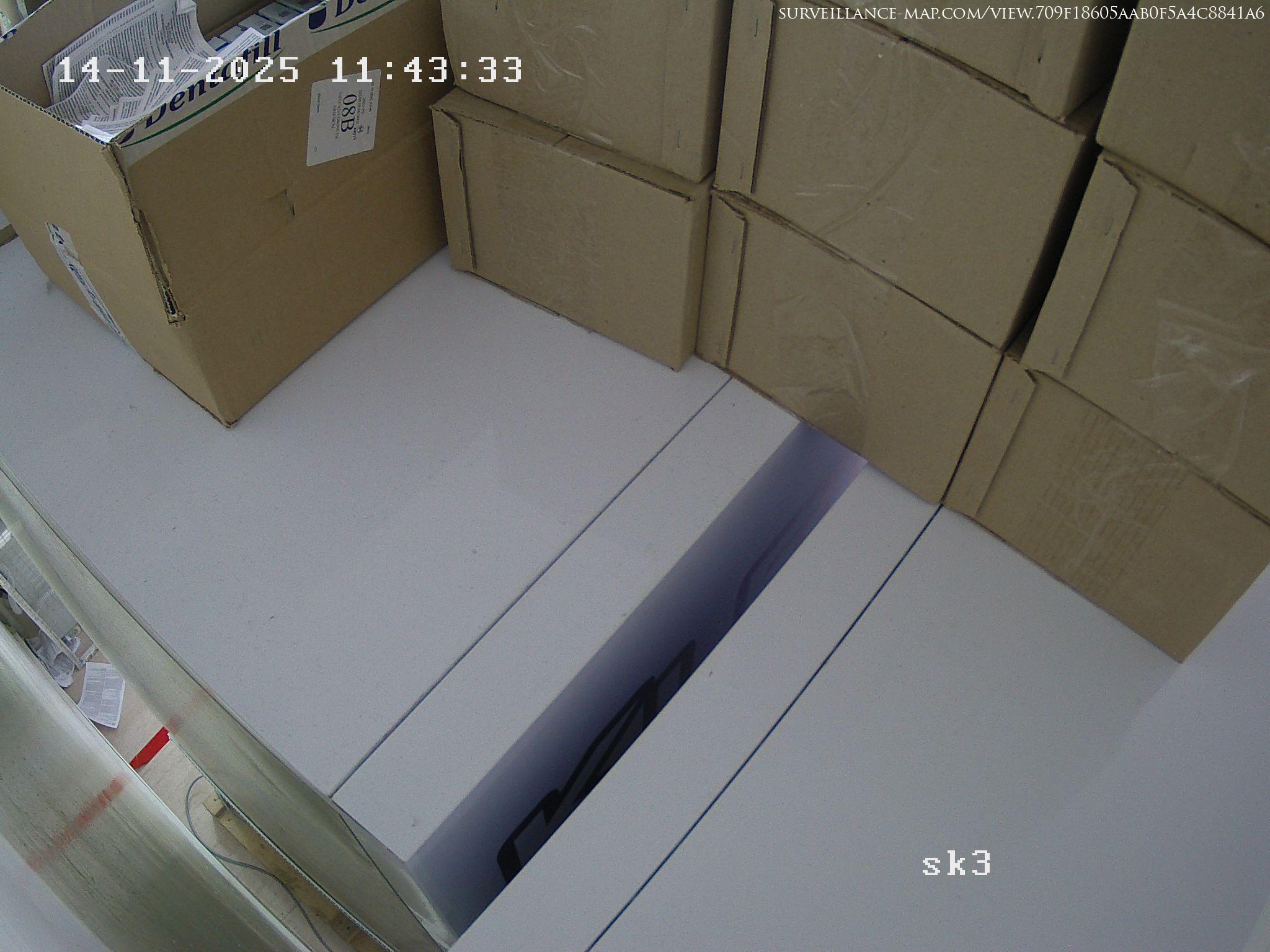
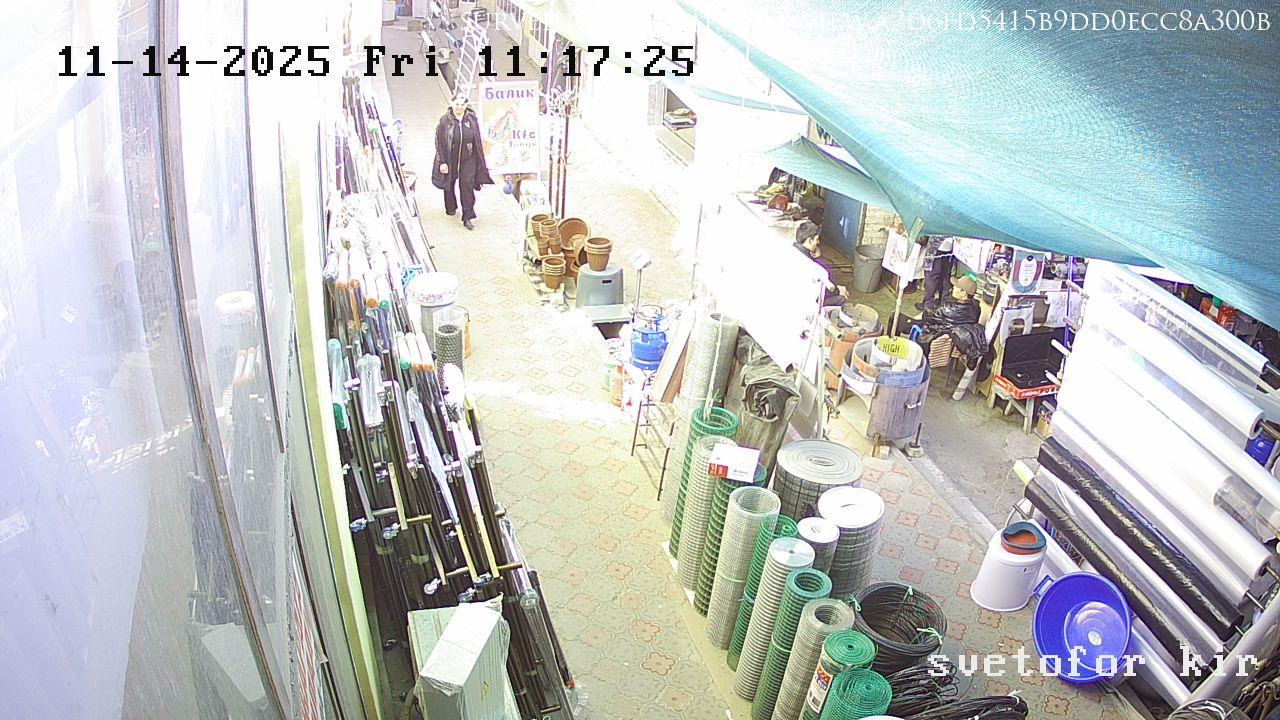
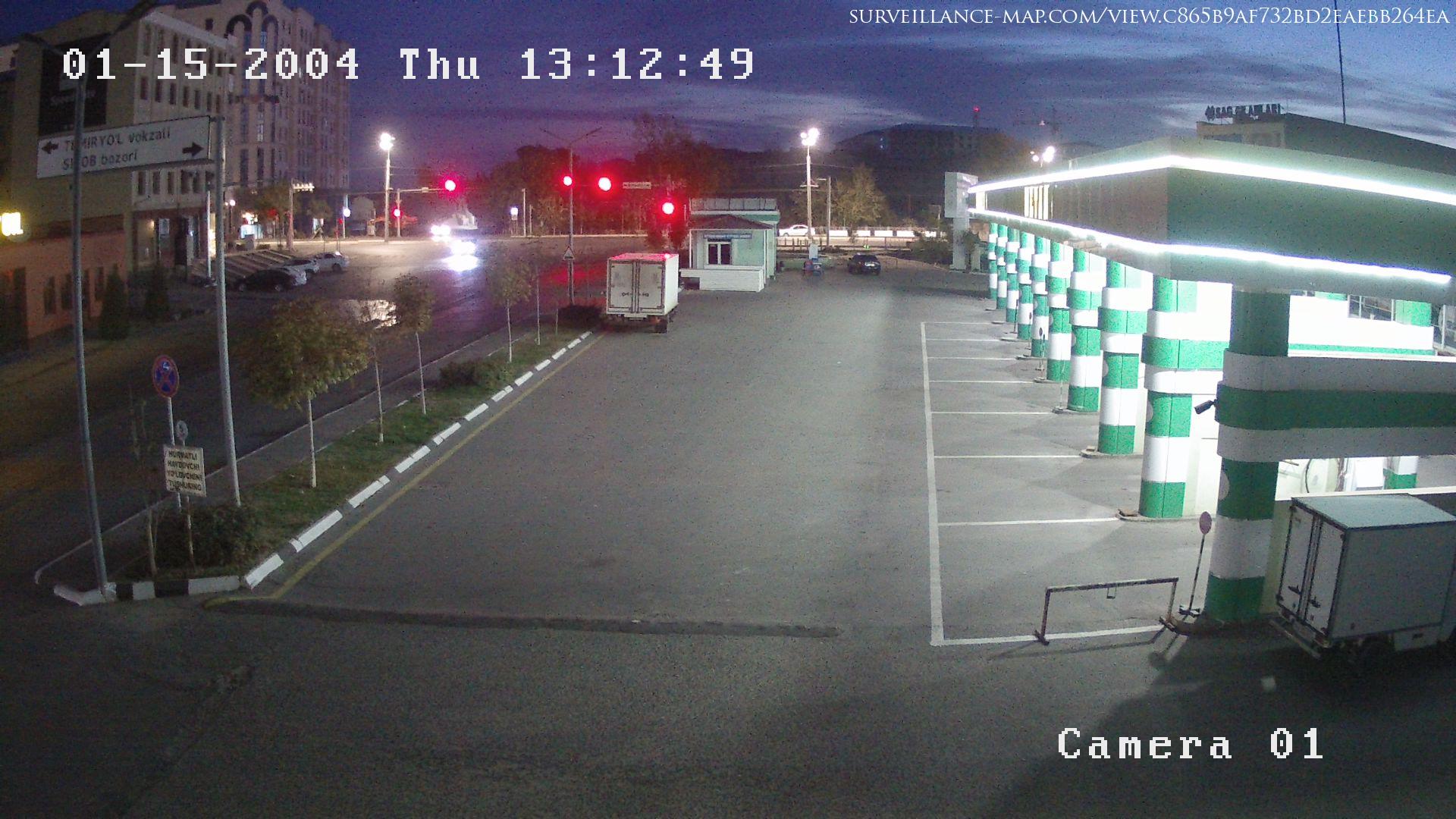
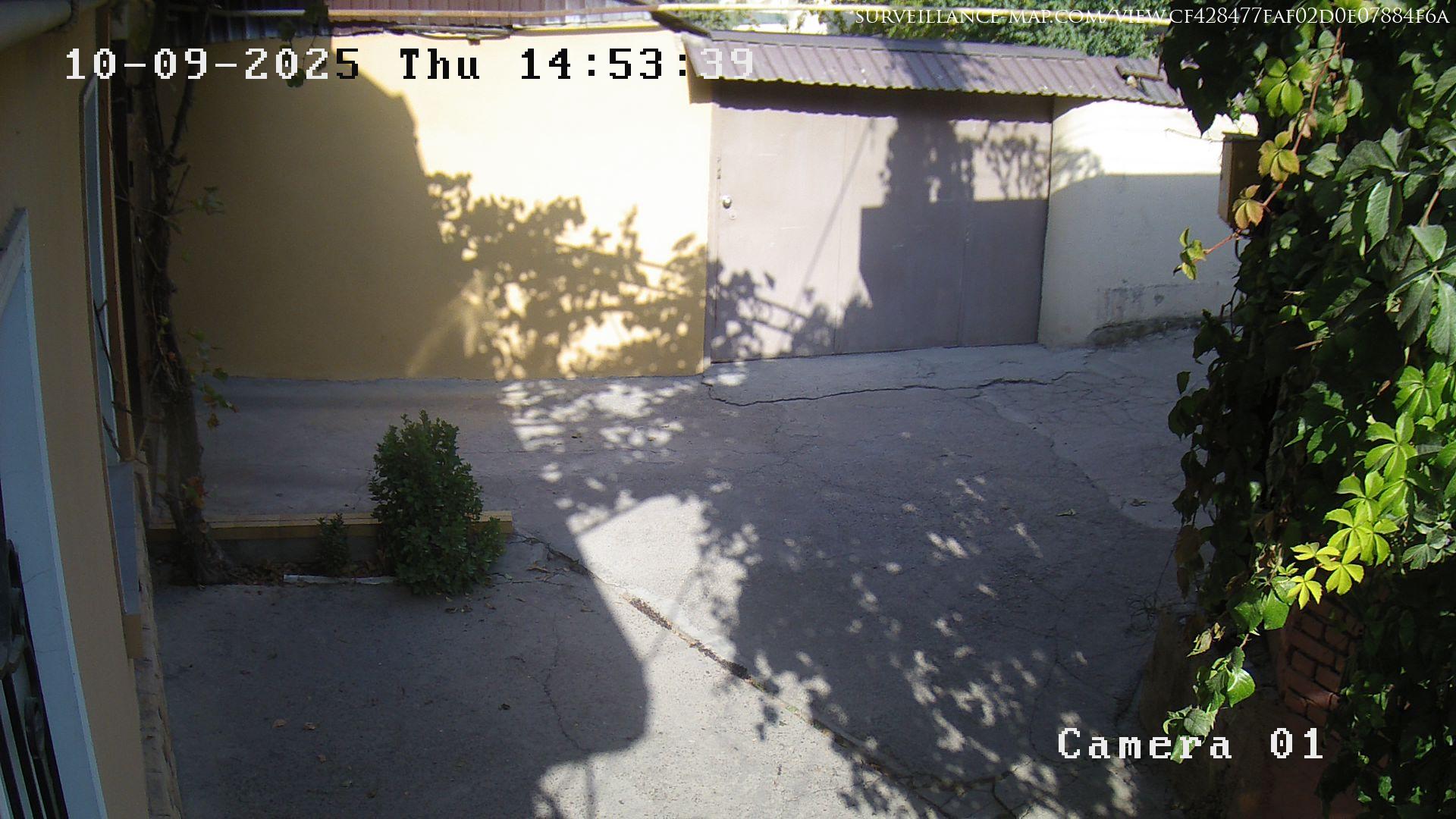
Asia, Uzbekistan has 64 offline cameras covering the country. The camera network in Uzbekistan, Asia emphasises offline cameras. Check real-time traffic and weather conditions in Uzbekistan before your commute, travel and plan your day. All cameras update continuously. View online, offline, or all cameras combined (online & offline) in Asia, Uzbekistan. The cameras displayed constitute 0.048 percent of 134,689 cameras on record. The regions/states/provinces in the country Uzbekistan with most cameras on record are Tashkent (59/92%), Andijan Region (2/3%), Tashkent Region (2/3%), Xorazm Region (1/1%).

Open the live webcam map to explore all public cameras in Uzbekistan.

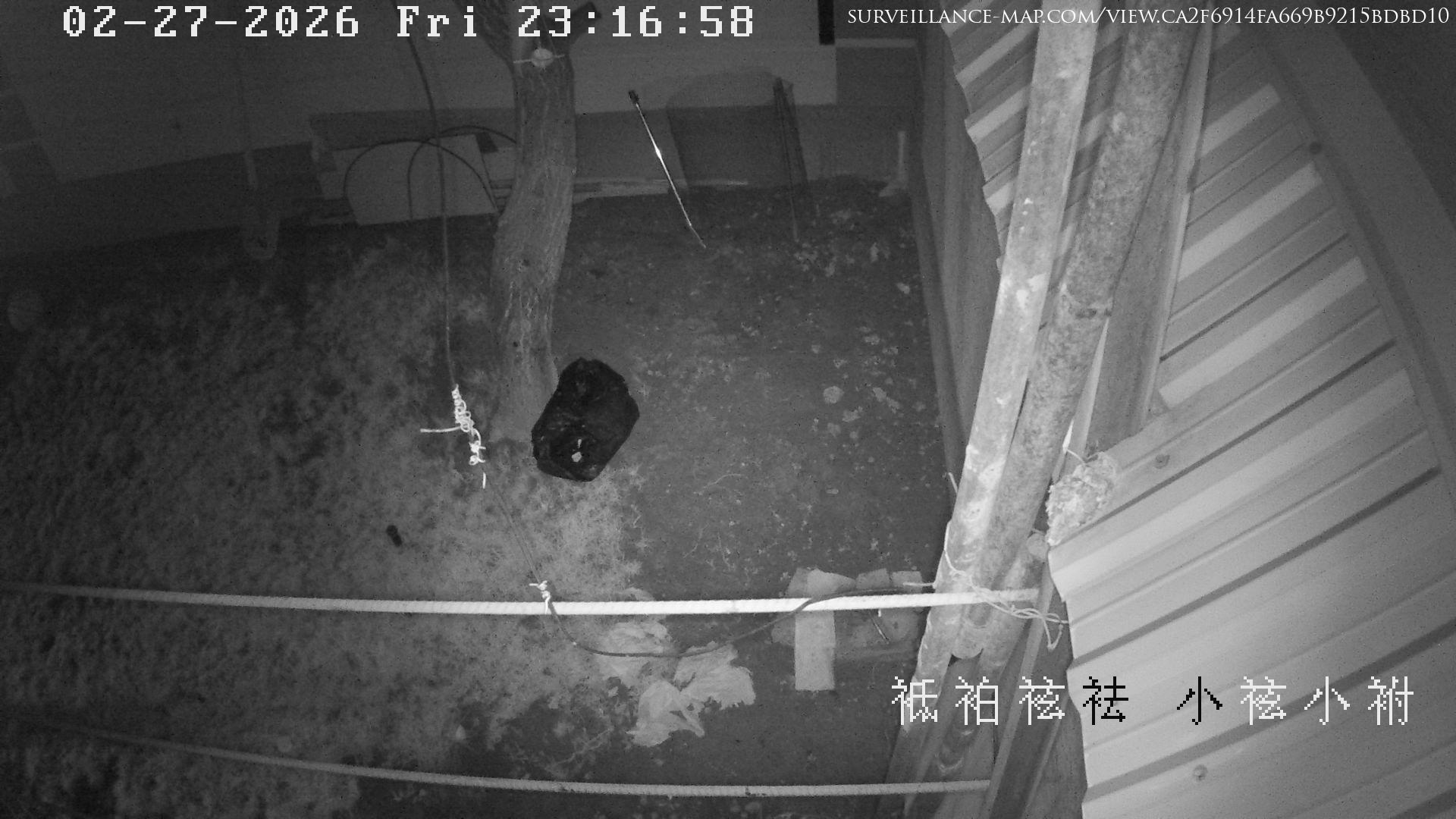
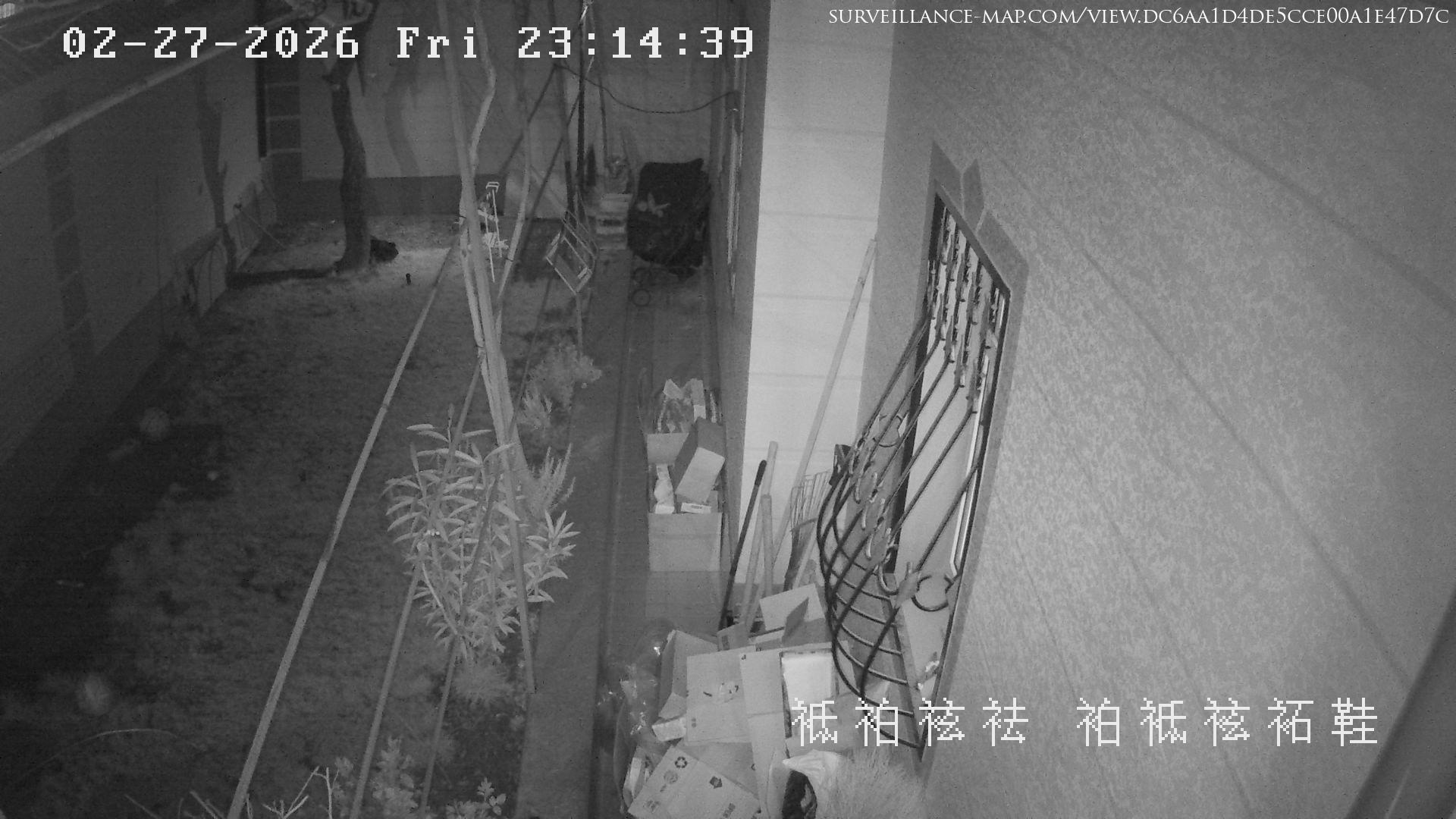
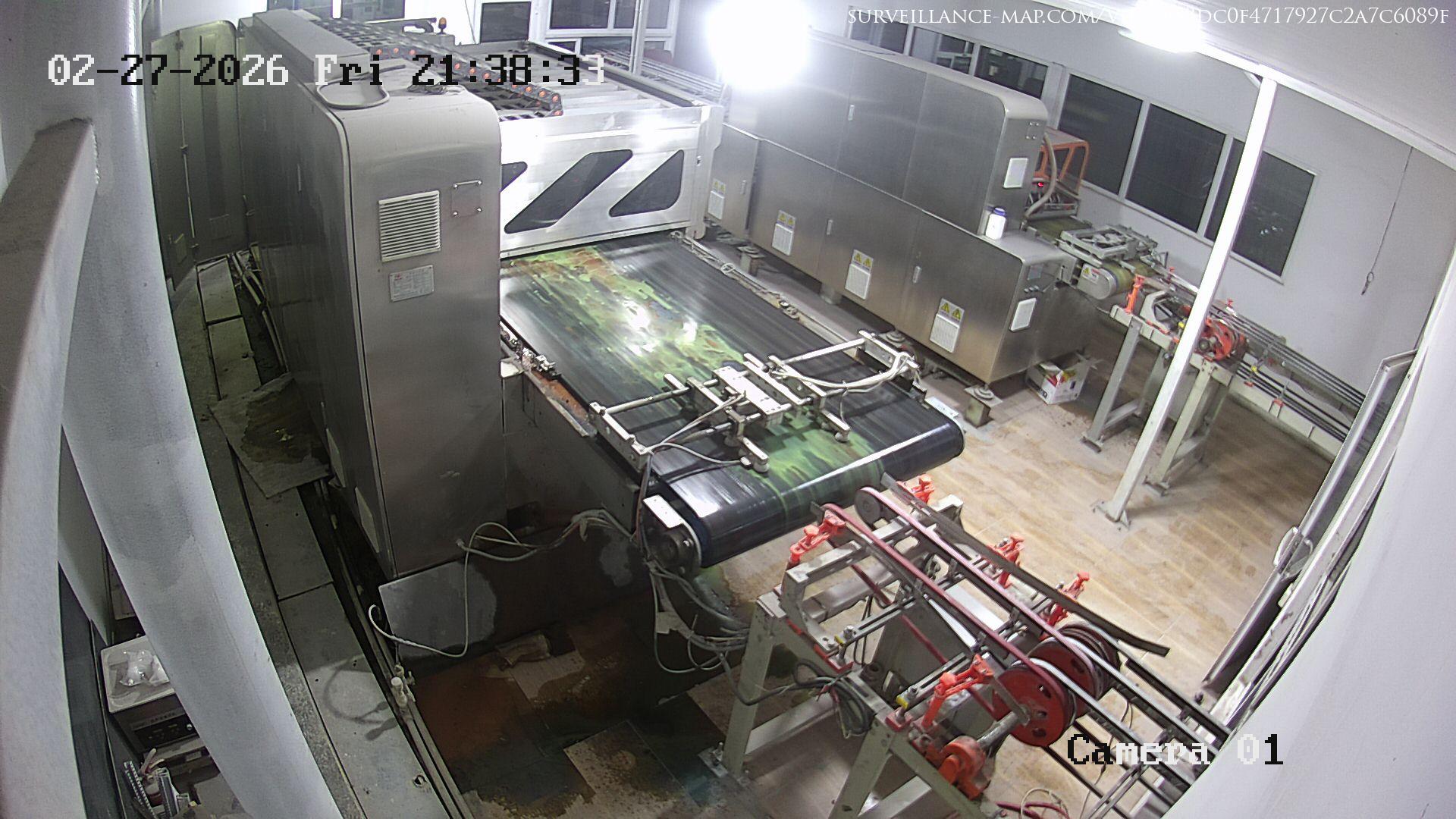
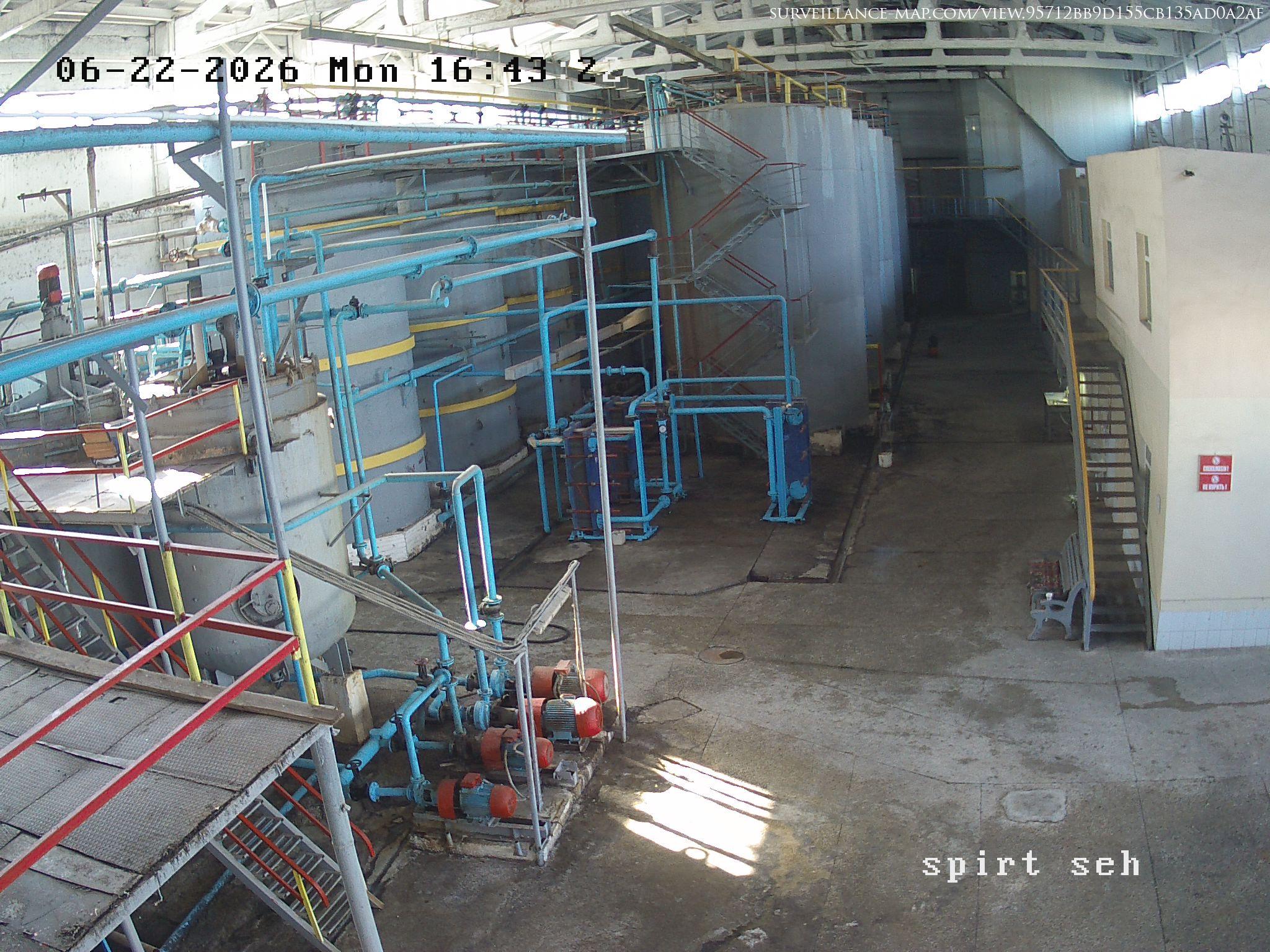
Notable cameras include:

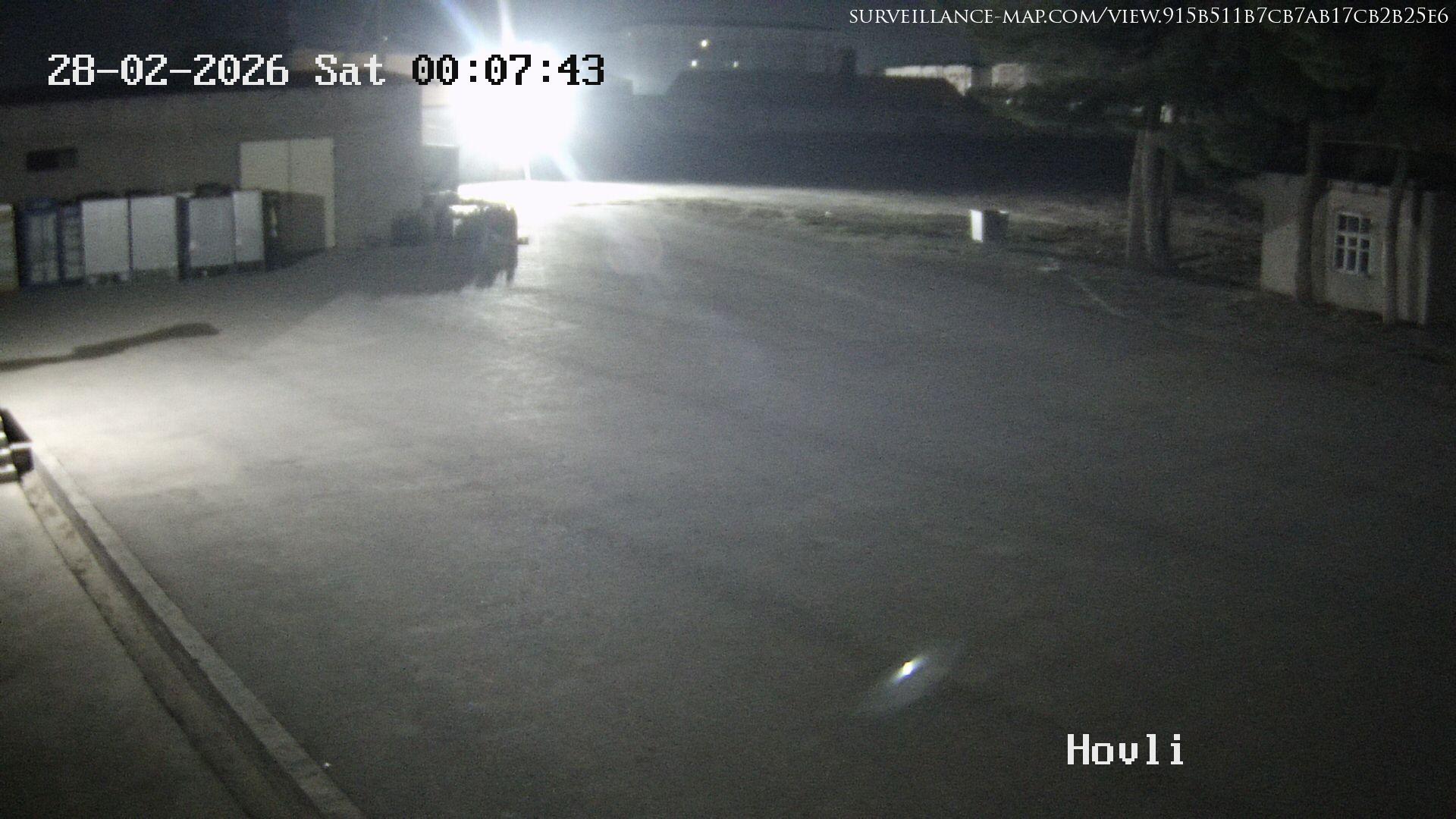
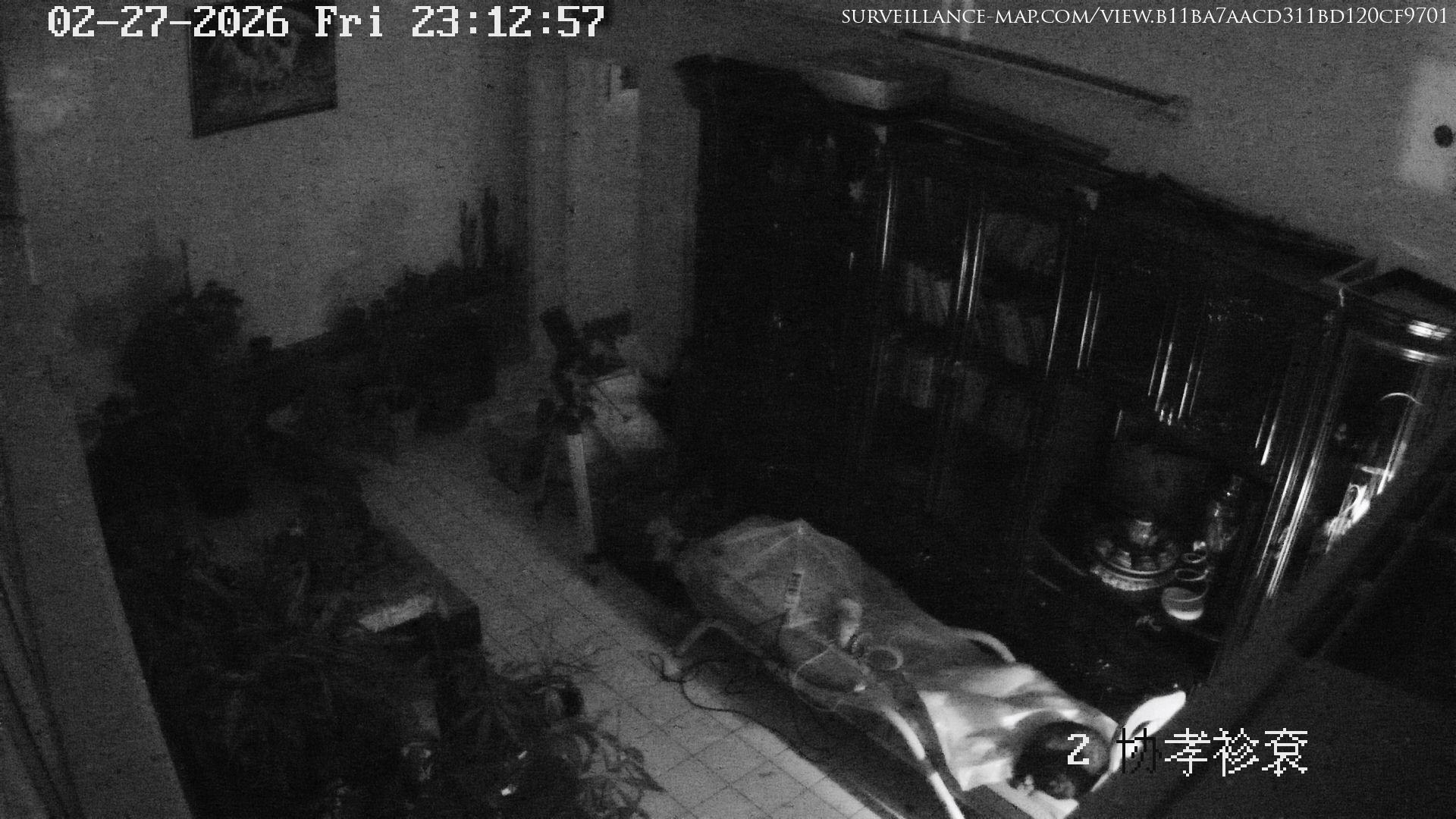
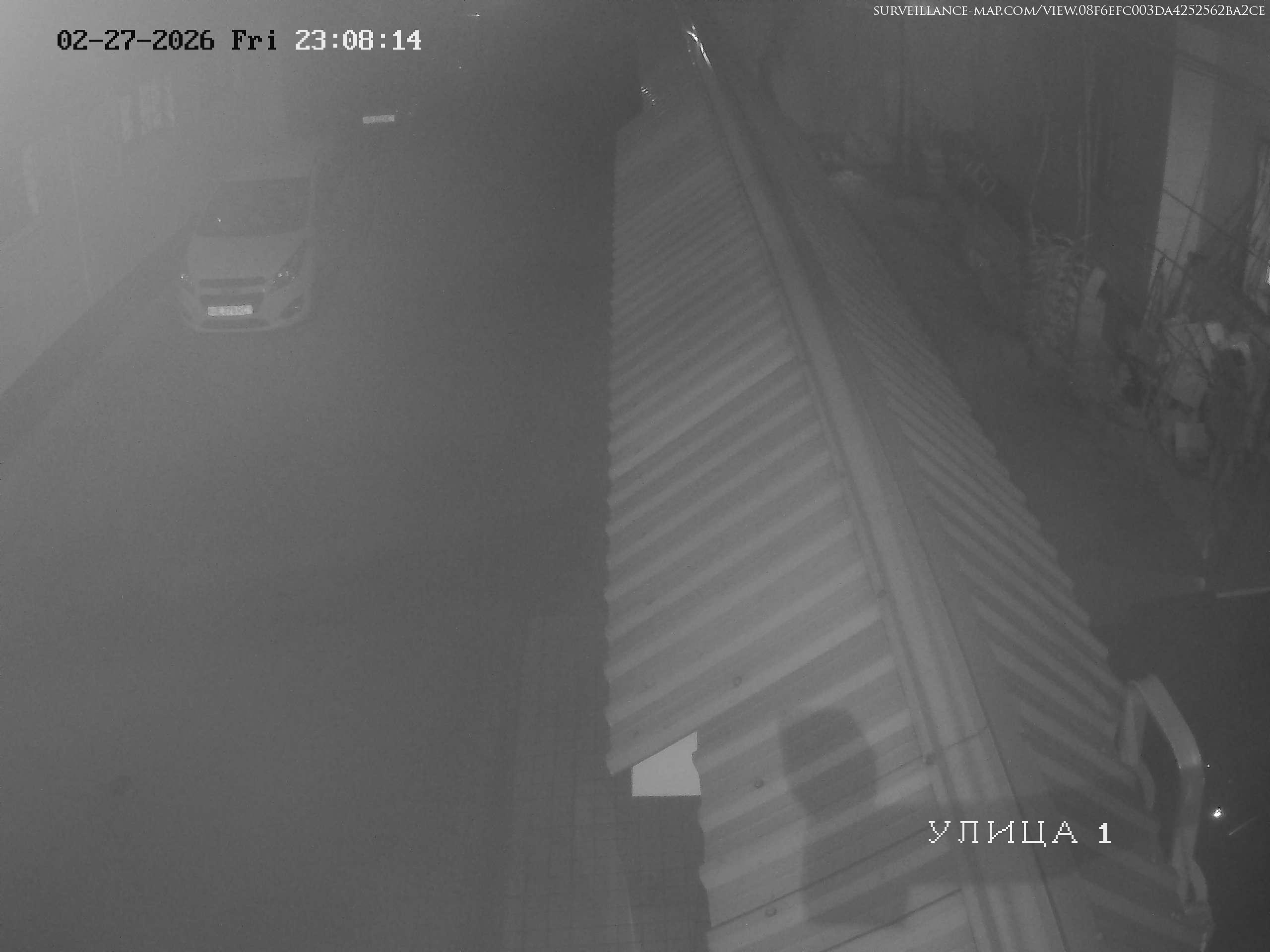
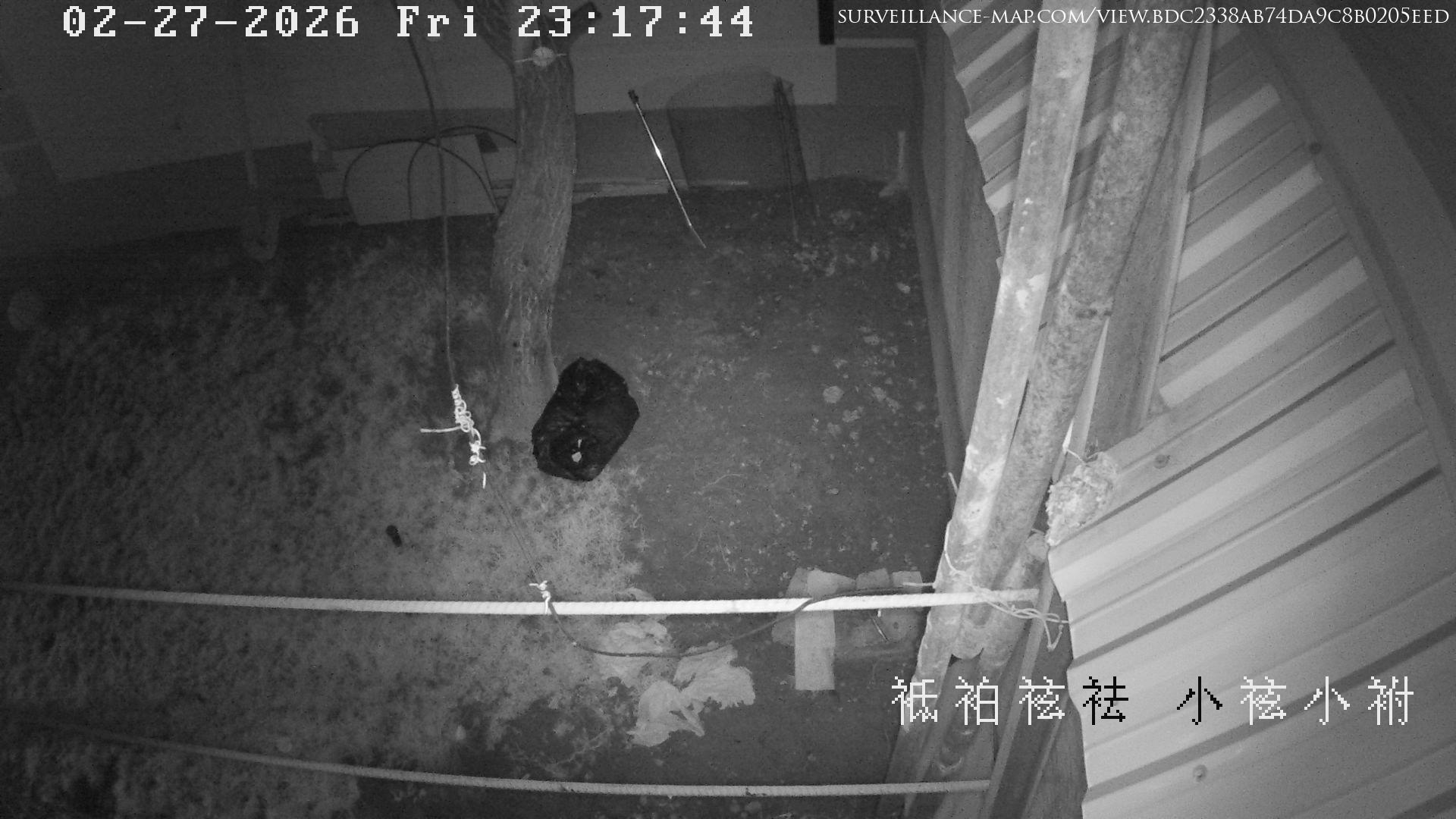
Tashkent · Tashkent · Uzbekistan

Tashkent · Tashkent · Uzbekistan

Salor · Tashkent Region · Uzbekistan

Offline Cameras in Uzbekistan

Urgench · Xorazm Region · Uzbekistan

Urgench · Xorazm Region · Uzbekistan

716.53 km away from centre and offline
Go To Camera View →
Tashkent · Tashkent · Uzbekistan

Tashkent · Tashkent · Uzbekistan

0 km away from centre and offline
Go To Camera View →
Tashkent · Tashkent · Uzbekistan

Tashkent · Tashkent · Uzbekistan

0 km away from centre and offline
Go To Camera View →
Tashkent · Tashkent · Uzbekistan

Tashkent · Tashkent · Uzbekistan

0 km away from centre and offline
Go To Camera View →
Tashkent · Tashkent · Uzbekistan

Tashkent · Tashkent · Uzbekistan

0 km away from centre and offline
Go To Camera View →
Tashkent · Tashkent · Uzbekistan

Tashkent · Tashkent · Uzbekistan

0 km away from centre and offline
Go To Camera View →
Tashkent · Tashkent · Uzbekistan

Tashkent · Tashkent · Uzbekistan

0 km away from centre and offline
Go To Camera View →
Tashkent · Tashkent · Uzbekistan

Tashkent · Tashkent · Uzbekistan

0 km away from centre and offline
Go To Camera View →
Tashkent · Tashkent · Uzbekistan

Tashkent · Tashkent · Uzbekistan

0 km away from centre and offline
Go To Camera View →
Tashkent · Tashkent · Uzbekistan

Tashkent · Tashkent · Uzbekistan

0 km away from centre and offline
Go To Camera View →
Tashkent · Tashkent · Uzbekistan

Tashkent · Tashkent · Uzbekistan

0 km away from centre and offline
Go To Camera View →
Tashkent · Tashkent · Uzbekistan

Tashkent · Tashkent · Uzbekistan

0 km away from centre and offline
Go To Camera View →
Tashkent · Tashkent · Uzbekistan

Tashkent · Tashkent · Uzbekistan

0 km away from centre and offline
Go To Camera View →
Andijan · Andijan Region · Uzbekistan

Andijan · Andijan Region · Uzbekistan

267.69 km away from centre and offline
Go To Camera View →
Tashkent · Tashkent · Uzbekistan

Tashkent · Tashkent · Uzbekistan

0 km away from centre and offline
Go To Camera View →
Showing records 1–15 of 64 total cameras found

Dataset Statistics & Analysis - Uzbekistan

134,689
Total Records Scanned
64
Total Matches Found
0.048%
Match Hit Rate Percentage
100%
Priority 1 Coverage

Frequent Region Distributions

Tashkent59 records
Xorazm Region1 records

Geographic Location - Uzbekistan

Click on the map to show all cameras in Uzbekistan on the Global Map.

Show map

[ Interactive Map Loaded via GIS Integration ]

Frequently Asked Questions

How many offline cameras are in Uzbekistan?
Uzbekistan has 64 active offline cameras streaming on surveillance-map.com. Coverage spans 4 states, provinces, and regions, with new cameras added continuously.
What types of cameras may I watch in Uzbekistan?
Uzbekistan cameras cover traffic, ski, weather, landmark and nature — all updated in real time and free to watch.
Are the offline cameras in Uzbekistan free to watch?
Yes — every camera on surveillance-map.com is publicly available and free to watch. There is no signup, paywall, or rate limit.
How often do Uzbekistan cameras update?
All cameras in Uzbekistan provide real-time access and therefore update continuously.
May I see all Uzbekistan cameras on a map?
Yes — open the interactive map to see every Uzbekistan camera plotted geographically. You may zoom into any region, filter by category, and click any marker to start watching the live feed.